
Consignment store hardware: 5 essential investments for a lightning-fast start (Netherlands, 2025)
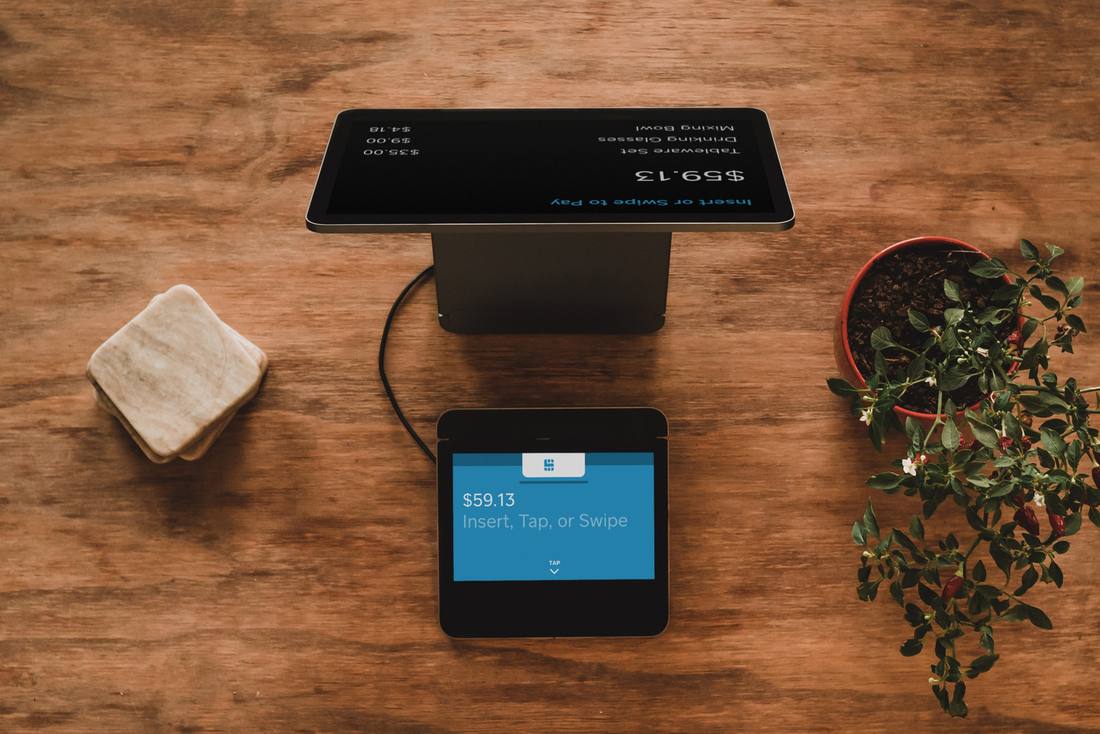
Consignment store hardware: what do you really need?
In a consignment store, the right equipment is just as important as the products you sell. Smooth intake, clear price labels, fast payments and error-free admin keep customers coming back and consignors happy. Your choice of hardware has a direct impact on that.
Whether you're starting with a small shop in the city centre or a large store in a shopping centre, it pays to think in advance about which devices you need and which suit the way you work. Some consignment software, such as Cirquly, offers input options where a touchscreen is faster than a keyboard or mouse. Other packages work more efficiently with a traditional setup.
In this article we walk through the most important hardware solutions, including specific models and suppliers that have proven themselves in Dutch stores.
1.PC or laptop: the hub of your store
- Speed & reliability: Choose at least 8GB RAM, a fast processor and SSD storage.
- Input method: A physical keyboard is often fastest, but with software optimised for touch, a touchscreen can be more efficient.
- Extra screen: A second monitor via HDMI gives you a better overview during busy counter work.
- Compatibility: Check that printers, scanners and card terminals work smoothly with your operating system.
2.Label printers: fast and sharp printing
- Direct thermal: Fast printing without ink or toner.
- Recommended models:Zebra ZD421, very reliable, but test on Mac due to possible quality differences.Dymo LabelWriter 550, compact and user-friendly, but only works with original Dymo rolls.
- Maintenance tip: Always keep a spare roll of labels ready and clean the print head regularly.
3.QR and barcode scanners for the consignment store
We may still be working with barcodes today, but the future clearly points towards QR codes. Fortunately there are scanners that can read both 1D (barcode) and 2D (QR). That way you're prepared for what's coming.
Models to consider:
- ScanAvenger SA8800 Series Pro, 1D + 2D, wireless, Bluetooth/USB, plug-and-play, no extra software needed.
- ScanAvenger SA9000 Series Pro, full 1D + 2D, wireless, with smart charging stand, range up to 493 ft, compatible with Mac, Windows and Android; ideal for anything from small stores to warehouses.
Important tip: note that older models scan the barcode first but need a manual Enter to load the item into the POS. Newer series like these ScanAvenger models solve this with automatic "suffixes" such as the Enter key, so your workflow runs smoothly.
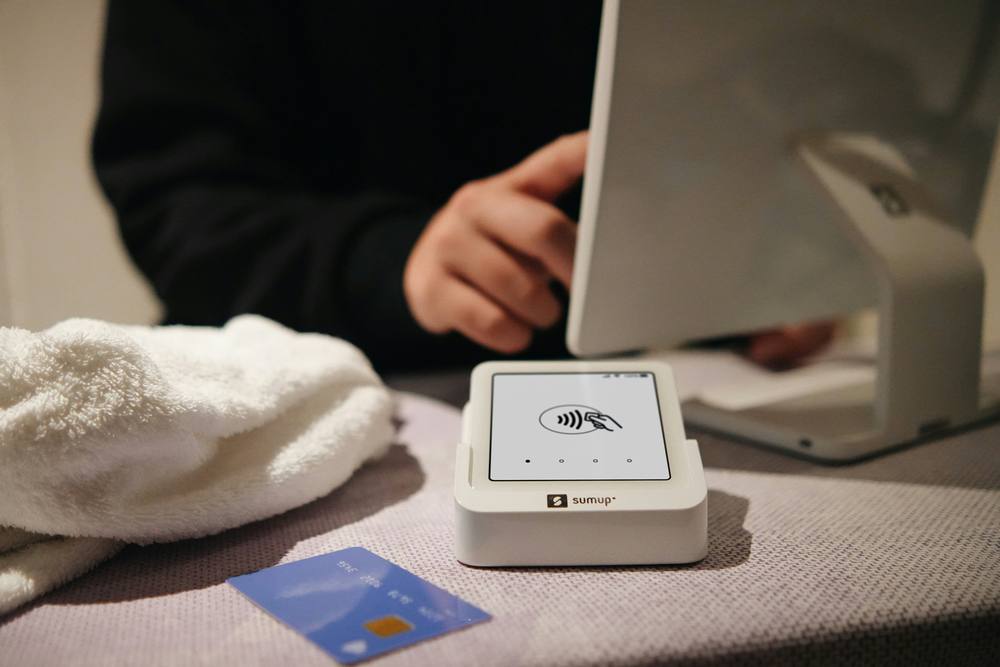
4.Card terminals: smooth checkout
In the Netherlands, paying by card is the norm, so a reliable card terminal is essential. There are roughly two price categories:
- Lower purchase price, higher transaction fees such as SumUp and Zettle. These are attractive for stores with a low number of card transactions per month, as a temporary solution at the start or for a pop-up concept. Note: if you have a lot of credit card payments, these providers can also be cheaper. This is because the credit card fee is included in the standard fee of 1.9%.
- Higher purchase price, lower transaction fees such as Sepay, CCV, MyPOS and Worldline. These are more cost-effective in the long run for stores with a high or stable transaction volume.
💡 Tip: Do a calculation in advance based on your expected number of card transactions per month. Sometimes a higher purchase price works out cheaper in the long run thanks to lower costs per transaction.
Standalone terminal: Handy if your POS system doesn't have an integration (yet).Note: Card refunds often need to be requested separately from your provider or bank.
5.Extra hardware that makes the difference
- Receipt printer: For receipts and return slips.
- Cash drawer: For secure cash handling.
Smart purchasing in the Netherlands
- National suppliers: Coolblue Zakelijk, Office Centre, Bol.com Zakelijk.
- Regional stores: Local computer shops often offer fast service and installation.
- Second-hand & refurbished: Marktplaats, Leapp, Refurbished.nl. Check the warranty and test in advance with your own labels and software.
- Via the software provider: check whether your software supplier can help you with hardware and labels.
FAQ: consignment store hardware
1. Which label printer is best for a new consignment store?A direct thermal printer such as the Zebra ZD421 or Dymo LabelWriter 550 is a safe choice. Note that the Dymo only works with original rolls.
2. Should I switch to QR scanners now, or is a barcode scanner enough?Choose a scanner that reads both barcodes (1D) and QR codes (2D). That way you're ready for the future and won't need to invest again later.
3. Why are the ScanAvenger SA8800 and SA9000 recommended?These series read both 1D and 2D codes, are robust, widely available (also second-hand) and the newer models have an automatic "Enter" function that speeds up your workflow.
4. Which card terminal best suits my store?MyPOS, Sepay, Worldline and CCV are reliable choices. Always compare rates and contract terms, and request card refunds in advance.
5. Can I use a MacBook in my store?Yes, but test in advance whether peripherals such as Zebra printers and certain scanners work properly. Mac users sometimes notice a quality difference in label prints with certain models.
6. Where do I buy reliable second-hand hardware?Business sellers on Marktplaats, Leapp and Refurbished.nl are good options. Always test in advance with your own labels and POS software, and ask about the warranty.
Conclusion
The right hardware makes your consignment store faster, more error-free and more professional. Invest in a direct thermal label printer, a QR and barcode scanner such as the SA8800 or SA9000, and a reliable card terminal that matches your expected transaction volume. Test compatibility with your POS software in advance, take your way of working into account and be prepared for the future. That way you start with confidence and efficiency from day one.